What is gift card software?
Gift card software is the system a business uses to create, sell, deliver and redeem its own gift cards. Instead of printing paper vouchers, writing codes in a notebook and checking balances in a spreadsheet, the software gives every gift card a sales page, takes the payment, sends the card to the buyer and keeps a record of what is left on it.
For a service business, a good gift card platform does four jobs well: it sells the gift card in a way that looks like your business, it gets the money to you safely, it delivers something the buyer is happy to give as a present, and it makes redemption at the front desk quick enough that staff never have to think about it.
What GiftcardLayers does, step by step
GiftcardLayers covers the whole life of a gift card, from the design of the card to the moment the last euro is redeemed. The app walks you through it in this order.
Design the card
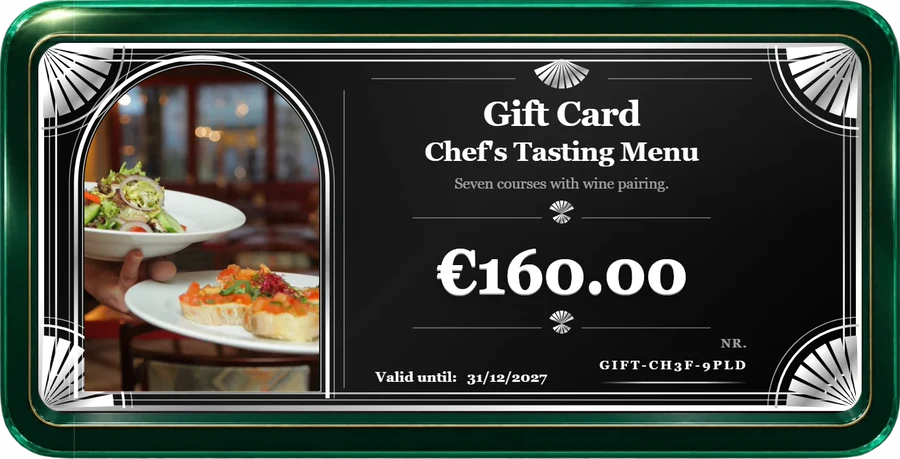
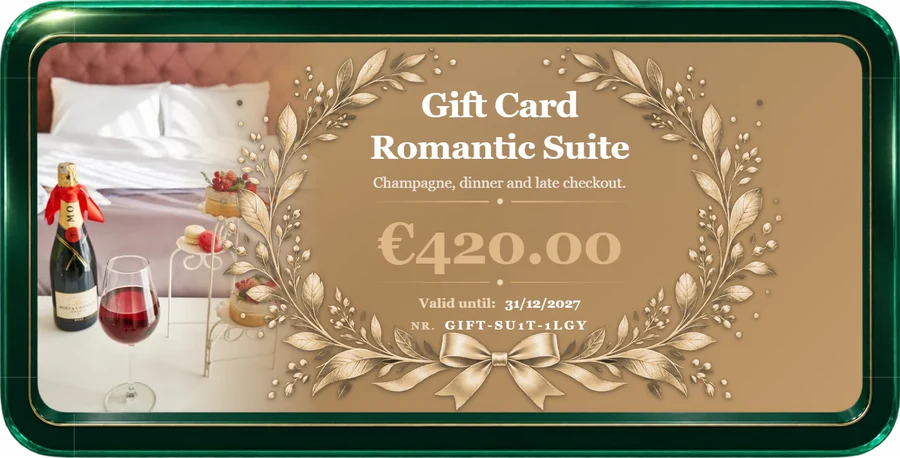
The card designer works like a simple design tool. Start from a ready layout or a blank card, then move and resize the text, logo, photos and shapes, change colours and fonts, and save your own templates for the next card. The same design is used on the page, in the email and on the printable PDF.
Build the page it sells from
Each gift card gets a page with a photo hero, the card itself, what is included and the buy form. You edit it on the page: click a text to change it, drag photos into place, pick a hero style. Buyers can choose a fixed amount, type their own amount within limits you set, or pick an experience.
Payment through your own Stripe account
Payments run through Stripe and land in your own Stripe account, and Stripe pays out to your bank on its regular schedule. Buyers pay with all major credit and debit cards, Link, and Apple Pay or Google Pay where the device supports them. Switch on company invoices and a buyer can ask for one as they buy; the PDF invoice goes out in your name.
A checkout that looks like yours
Choose a checkout design (Classic, Liquid glass or Card form), the order of the sections and which payment methods show first, or send buyers to Stripe's own hosted payment page instead. After paying, the buyer can scratch off or swipe open the screen to reveal the gift card code. Anyone who leaves the checkout without paying gets an unfinished checkout email about an hour later, on every plan.
Delivery by email and printable PDF
As soon as payment completes, the buyer receives an email with the gift card and a printable PDF. It shows the redeem code, the amount, the valid-until date and everything that is included, ready to print, wrap or forward. You can also add a gift link, so the recipient opens the card online and unwraps it there. The delivery, information and follow-up emails, the PDF and the invoice all have an editor, and the preview is exactly what gets sent.
Sell on your website, by link or by QR code
If you have a website, add a gift card section or a buy button with one code snippet. It works on WordPress, Wix, Squarespace, Webflow, Shopify, Framer, Mozello and any builder that accepts HTML, and the branded checkout can open in a popup on your page. If you do not have one, share the gift card's own page as a link in your Instagram bio, messages and newsletter, or print its QR code for reception, menus and receipts.
Redemption with balances tracked for you
When a customer visits, open the redeem page, enter the code, type the amount and confirm. If a guest spends €60 of a €100 card, the remaining €40 stays on the card for next time. A mistake can be undone, and a receipt printed. For online use, put a gift card field on your website or share your balance page, and developers can connect a booking system through the API and webhooks.
Records and analytics
Every order, customer and sent email is in your dashboard, with revenue, best sellers, what is still outstanding and which cards expire soon. Export orders and redemptions as CSV. If a customer loses the email, look the order up by name, email or code.
Branded gift cards, not generic vouchers
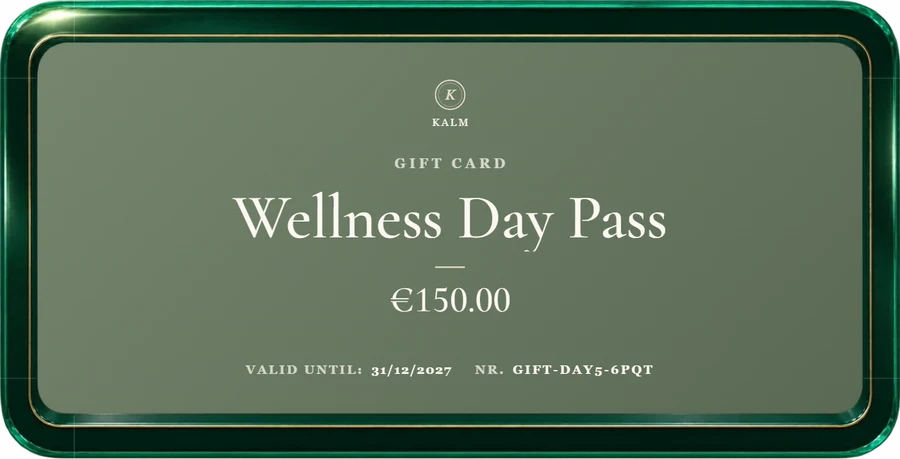
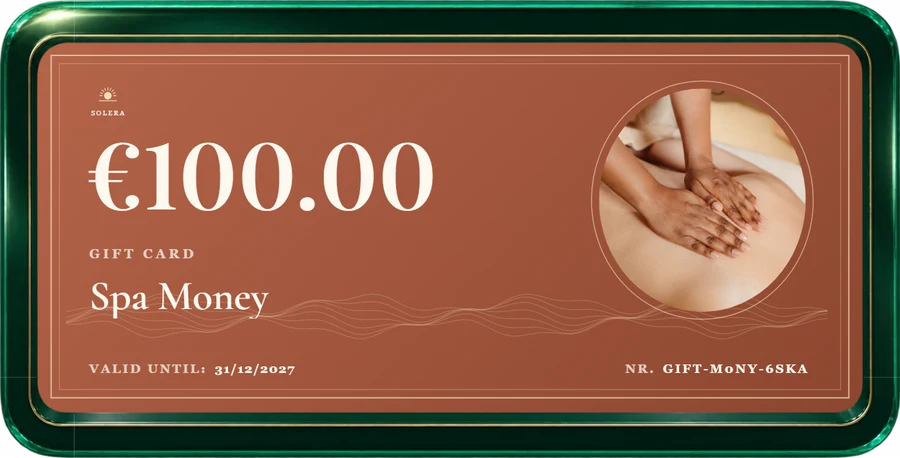
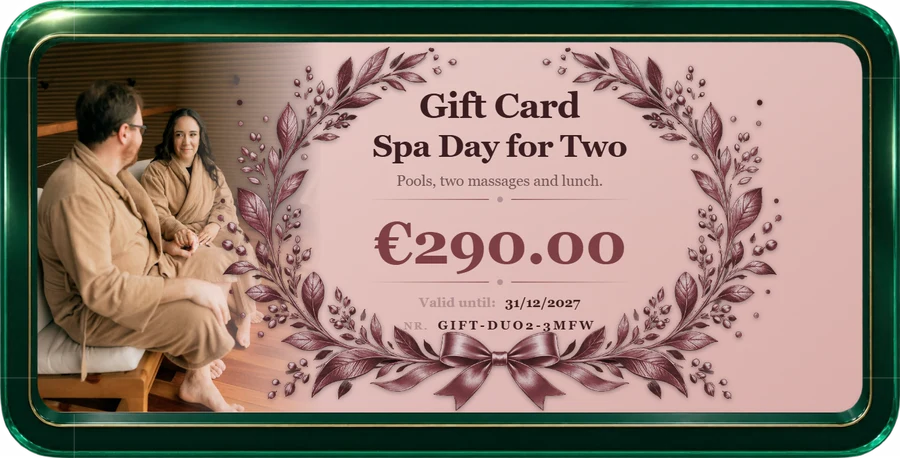
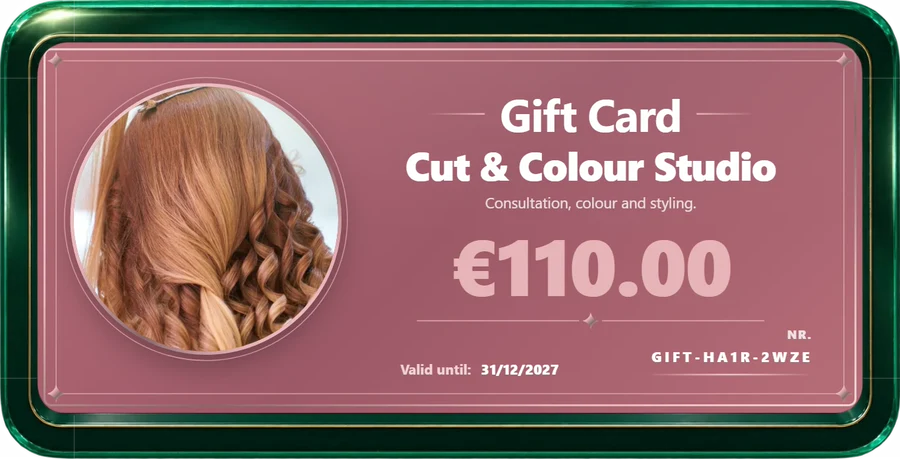
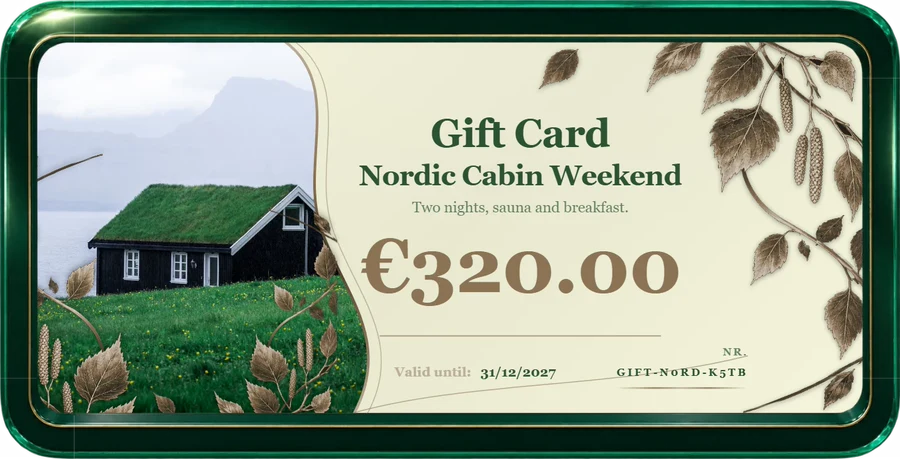
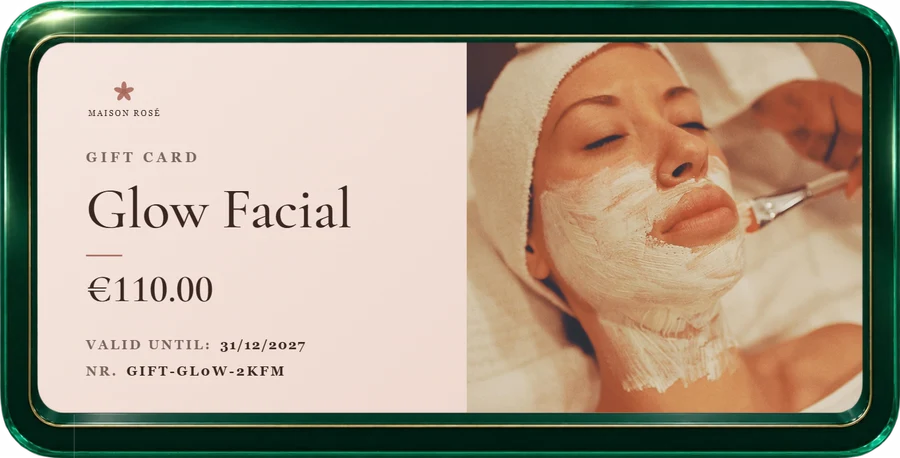
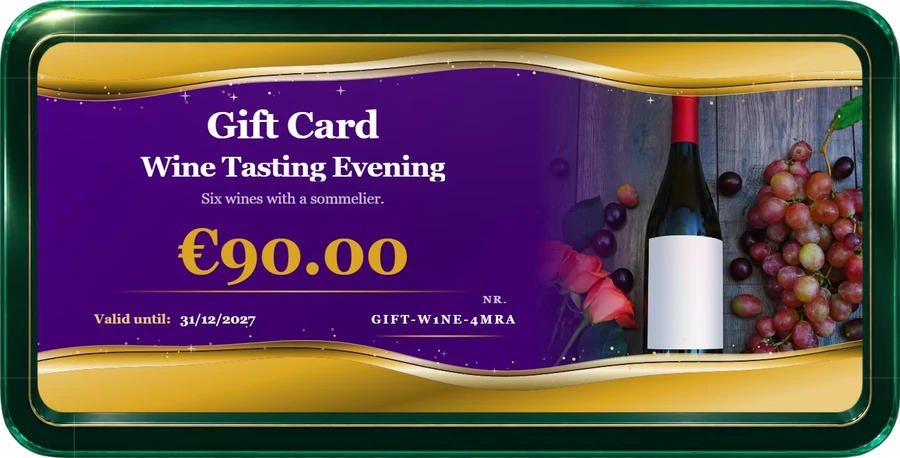
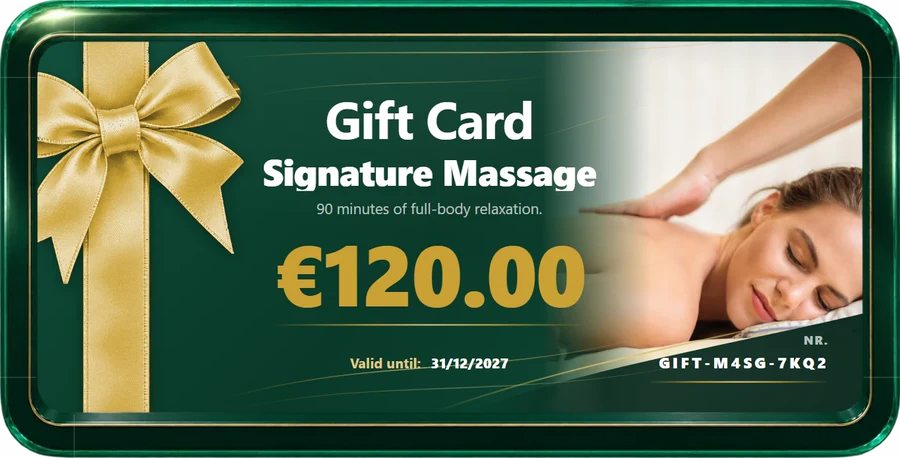
A gift card is a present, so it has to look like one. You design each card yourself in the card designer, and each gift card keeps its own style: colours, fonts, logo, background and photos. The gift card page, the checkout, the delivery email and the PDF follow that style, so the buyer and the person receiving the gift see your business from the first click to the voucher they print.
Each gift card page can include a description, a "What's included" list, details such as location, duration and availability, and your photos. Details that only matter after purchase, such as booking instructions, can be kept for the PDF only.
Sell in your customers' language
The gift card page, checkout, emails and PDF are available in more than 30 languages, and your own texts are translated automatically. You choose which languages to offer, and customers switch with one click. That matters for hotels and spas that sell to visitors, and for any business in a country with more than one common language.
How to choose gift card software: a checklist
These are the questions that decide whether a gift card platform fits a service business. Here is how GiftcardLayers answers each one.
| Question | GiftcardLayers |
|---|---|
| Do I need a website? | No. Every gift card gets a hosted page, a link and a QR code. If you have a website, one code snippet adds a gift card section to it. |
| Who holds the money? | You do. Payments go to your own Stripe account and Stripe pays out to your bank. |
| Which payment methods? | Credit and debit cards, Link, Apple Pay and Google Pay. |
| Is delivery automatic? | Yes. Email plus printable PDF, sent the moment payment completes. |
| Can one card be used over several visits? | Yes. Partial redemption tracks the remaining balance automatically. |
| Can I undo a mistake at the desk? | Yes. A redemption can be undone, and the balance goes back on the card. |
| Does it connect to my booking system? | Yes, through a gift card field on your website, a balance page, an API and webhooks. |
| Can I set an expiry date? | Yes. Choose 6, 12 or 24 months, or no expiry. |
| Can it look like my brand? | Yes. You design the card in a card designer, and the page, checkout, emails and PDF follow its style. |
| Can I manage it with AI? | Yes. Connect Claude through the GiftcardLayers MCP server and ask it to create gift cards, write emails or check sales. |
| What does it cost? | Plans: Free (€0/month, 20% commission), Growth (€19/month, 5%) and Scale (€39/month, 2%). Stripe's processing fee is charged by Stripe on top, from each payment. No setup fees and no contracts. |
Two questions are worth asking any provider. First, whose account does the money land in: yours, or the platform's, with a payout later? Second, what happens to gift cards you have already sold if you leave? With GiftcardLayers the money goes to your Stripe account, and gift cards you have sold stay valid for your customers if you cancel.
Who it is for
GiftcardLayers is built for businesses that sell time, experiences and services rather than shelves of products:
- Spas, saunas, bathhouses and wellness centres selling treatment vouchers, sauna evenings and spa days.
- Hotels and guesthouses selling stay packages and value vouchers.
- Restaurants, cafes and wine bars selling dining vouchers and tasting menus.
- Beauty, hair and nail salons selling treatments from an Instagram link.
- Yoga, pilates and fitness studios selling class packs and intro offers.
- Massage therapists, tour operators and other experience businesses.
Run it from Claude if you want to
On every plan you can connect Claude to your account and run the shop by chat: design a gift card, build a website section, rewrite an email, find an order or compare this month's sales with last month's. In Claude, add a custom connector with the address https://giftcardlayers.com/mcp and sign in with your GiftcardLayers account. Claude asks before it deletes or redeems anything, and you can set it to view only. Other AI tools that support MCP can connect the same way.
Pricing in short
Free costs €0 a month with a 20% commission and up to 10 gift cards sold a month. Growth costs €19 a month with a 5% commission and up to 100 gift cards a month. Scale costs €39 a month with a 2% commission and no monthly limit. Stripe's own processing fee comes on top of the commission and is taken by Stripe directly from each payment. For a card issued in Europe that is 1.5% + €0.25 under Stripe's standard EEA pricing. Paying yearly saves about 20%.
Last updated: