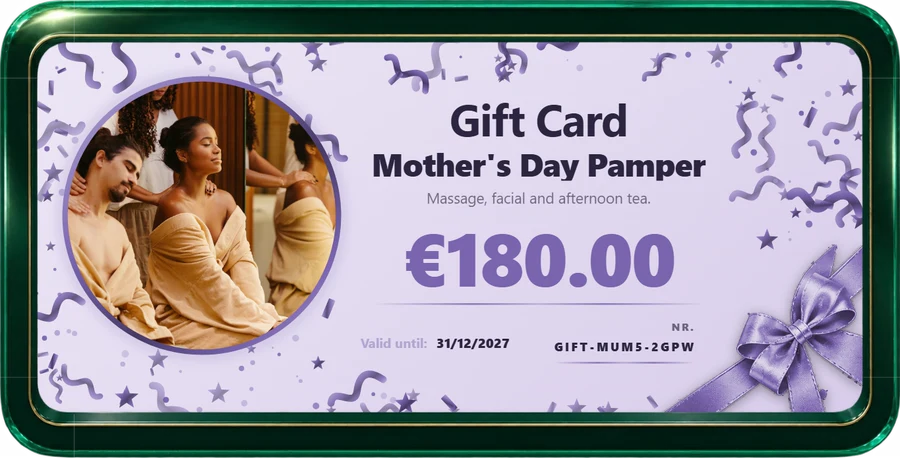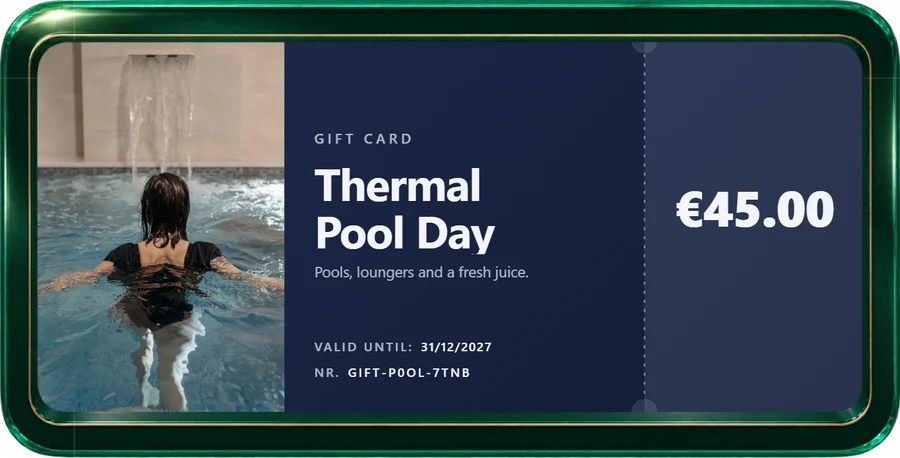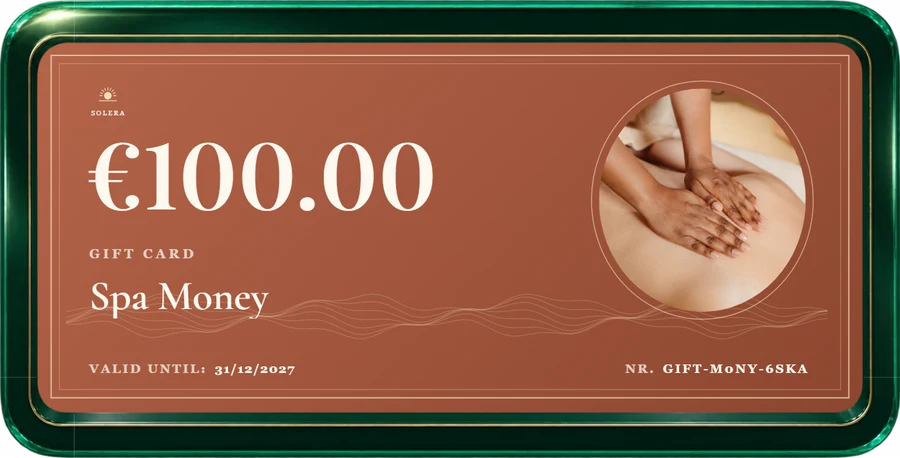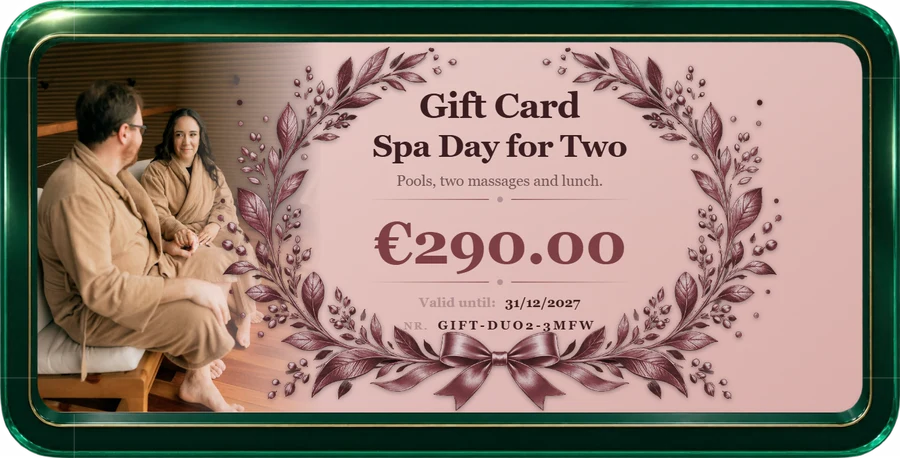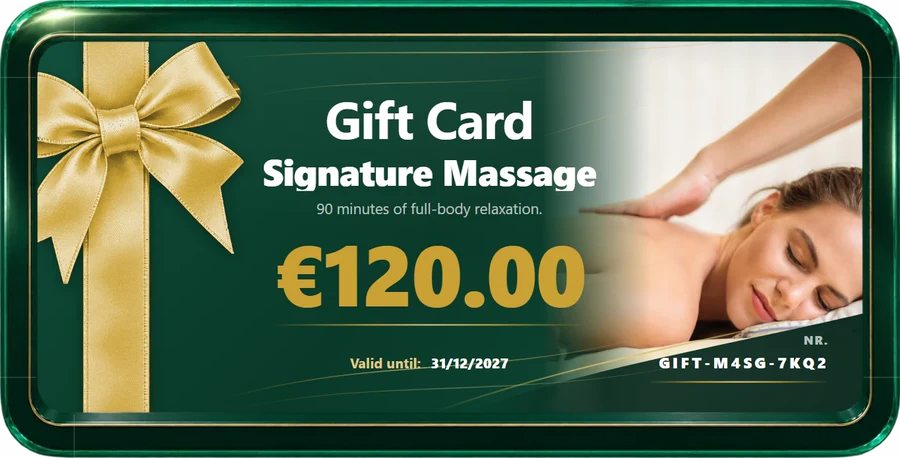
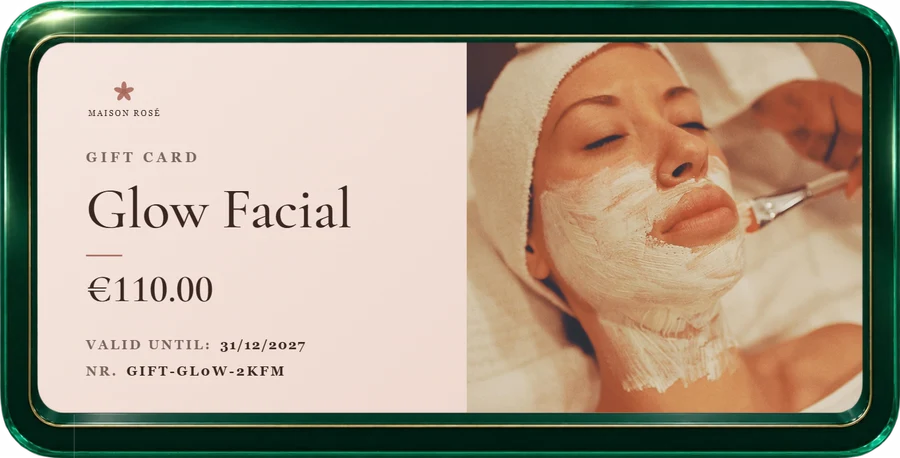
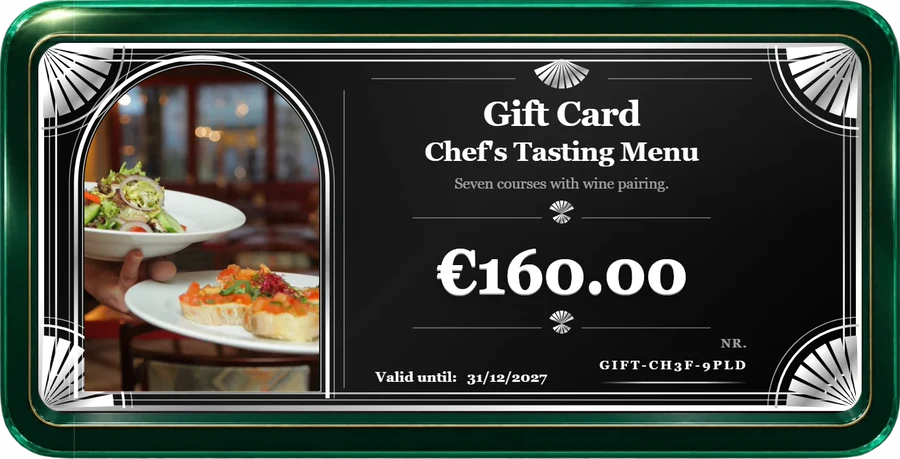
Why sell gift cards online at all
For a service business, a gift card is a sale today for a visit later, and very often a visit from someone who has never been to you before. The person who receives it walks in already paid for, and if they like what they find, they come back.
Selling gift cards only at the counter misses most of that. People buy presents in the evening, at the last minute and from wherever they are, often for someone who lives near you while they do not. An online gift card shop sells at those moments, delivers the gift instantly and needs no one at the desk.
Step 1: Decide what the gift card is
Service businesses usually sell one of two kinds of gift card, and most do best offering both.
Value gift cards
A value card is worth an amount, such as €100, and can be spent on anything you offer. It suits regulars, buyers who do not know what the recipient would choose, and businesses where visits vary a lot in price.
Experience gift cards
An experience card names something specific, such as a couples massage, a weekend stay or a tasting menu for two. It is easier to give as a present because the buyer does not have to guess an amount, and it lets you describe exactly what the recipient gets: what is included, how long it takes, where it is and when it is available.
Step 2: Choose the amounts
Offer a few fixed amounts such as €50, €100 and €150, allow a custom amount between a minimum and a maximum, or show a slider. Fixed amounts are quicker to choose from, and a custom amount catches the buyer who wants to match the price of a specific treatment. In GiftcardLayers this is set per gift card, so each one can work differently.
Set the minimum high enough to cover a real visit, and make sure the middle option matches your most common booking.
Step 3: Make it look like a present from your business
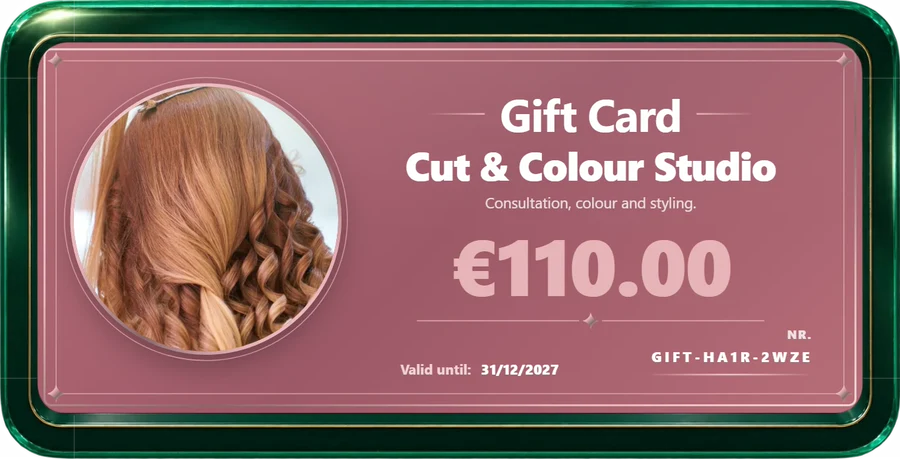
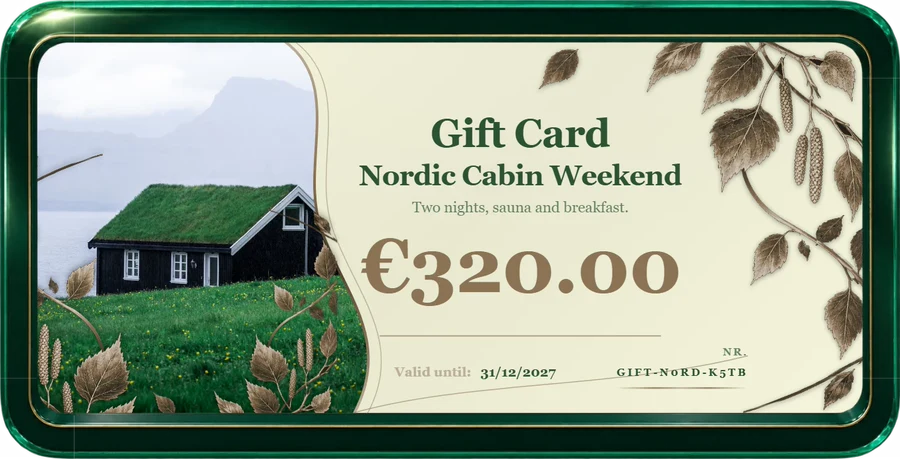
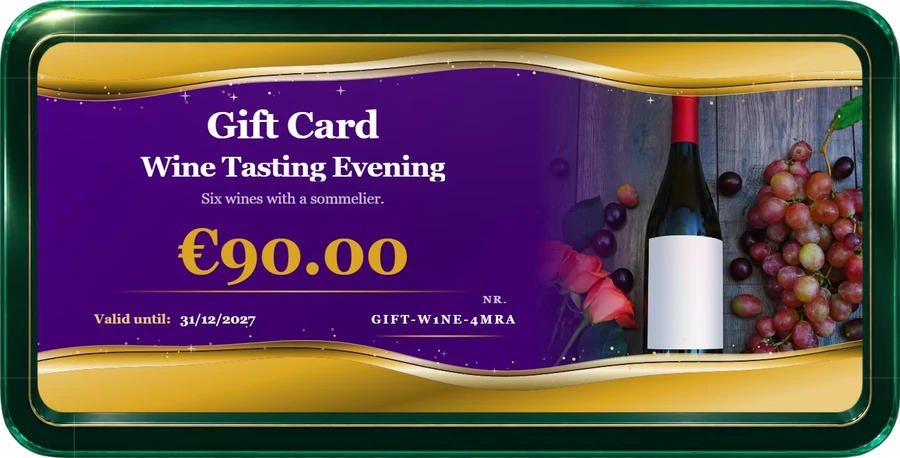
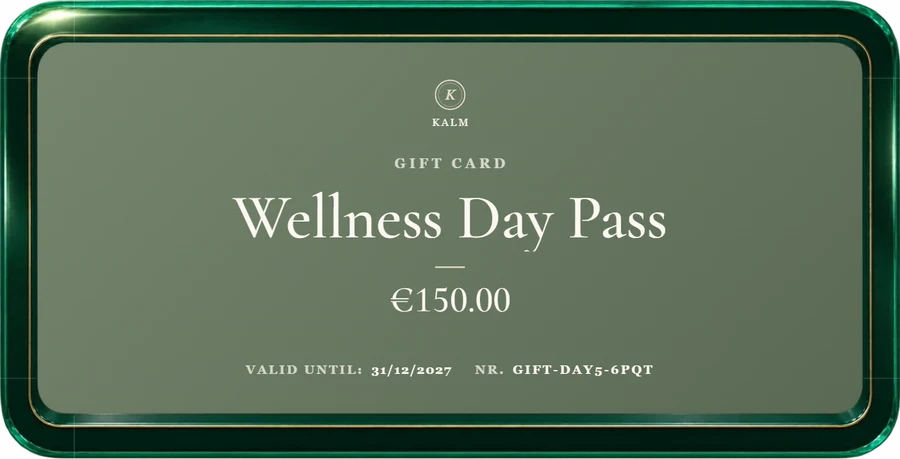
The gift card page, the checkout and the voucher the recipient receives are all part of the gift. Use your logo, colours, fonts and real photos of your place. Write the description for the person receiving it: what they will experience and how to book.
In GiftcardLayers you design each card in the card designer, starting from a ready layout or a blank card, and the page, checkout, email and PDF all follow it. You can also pick a checkout design and the reveal buyers see after paying.
Step 4: Take payment into your own account
Use a payment provider that pays you directly. GiftcardLayers uses Stripe: payments land in your own Stripe account and Stripe pays out to your bank on its regular schedule. Buyers can pay with credit and debit cards, Link, Apple Pay and Google Pay, and you can let companies ask for an invoice as they buy.
Step 5: Deliver the gift card automatically
The buyer should receive the gift card the moment they pay, without you doing anything. In GiftcardLayers they get an email with the gift card and a printable PDF showing the redeem code, the amount, the valid-until date and what is included. Add a gift link if you want the recipient to unwrap the card online. Check those emails and the PDF before you share your link, and edit the wording so it sounds like you.
Step 6: Choose where to sell
- A link: in your Instagram or Facebook bio, stories, WhatsApp chats, your newsletter and your email signature.
- A QR code: printed at reception, on menus, table cards, receipts or the back of business cards.
- Your website: a gift card section or a buy button added with one code snippet, with the checkout in a popup on your page. It works on WordPress, Wix, Squarespace, Webflow, Shopify, Framer and Mozello.
- One link for several options: a combined gift card puts several experiences on one page with a switcher.
In GiftcardLayers a setup checklist walks you through it: create the gift card, design it, build its page, connect payments, style the checkout, check the emails and documents, then start selling. Your link is ready the moment you save, and most businesses go live in under 15 minutes.
What it costs per gift card sale
On GiftcardLayers, the cost of a sale is your plan plus a commission, and Stripe's processing fee is charged by Stripe on top. For a €100 gift card paid with a European card:
| Plan | Monthly fee | Commission | You keep from €100 |
|---|---|---|---|
| Free | €0 | 20% | €78.25 |
| Growth | €19 | 5% | €93.25 |
| Scale | €39 | 2% | €96.25 |
Stripe's own processing fee comes on top of the commission and is taken by Stripe directly from each payment. For a card issued in Europe that is 1.5% + €0.25 under Stripe's standard EEA pricing.
Redeem without spreadsheets
When a customer visits, open the redeem page on a phone, tablet or desktop, enter the code, type the amount and confirm. If they spend less than the full value, the balance stays on the card for next time. If a customer loses the email, look the order up by name, email or code in the dashboard.
Check the rules where you operate
Gift card rules differ by country, including how long a card must stay valid and how it is treated for VAT. In the EU, the VAT treatment of a voucher depends on whether it is single-purpose or multi-purpose. Set the validity period to match local rules and ask your accountant how to record sales. As the merchant you are responsible for honouring the gift cards you sell.
Common mistakes to avoid
- Hiding the gift card link: put it everywhere customers already see you, not only on one page of your website.
- Vague experience cards: say what is included, how long it takes and how to book.
- Selling only fixed amounts that do not match your prices.
- No plan for redemption: paper notes and spreadsheets break as soon as cards are used in parts.
- Promoting gift cards only in December: birthdays, anniversaries and Mother's Day happen all year.
Last updated: