Redeeming a gift card at the desk
- Ask for the gift card code. The guest can show the email on their phone or bring the printed PDF.
- Open the redeem page in GiftcardLayers and enter the code.
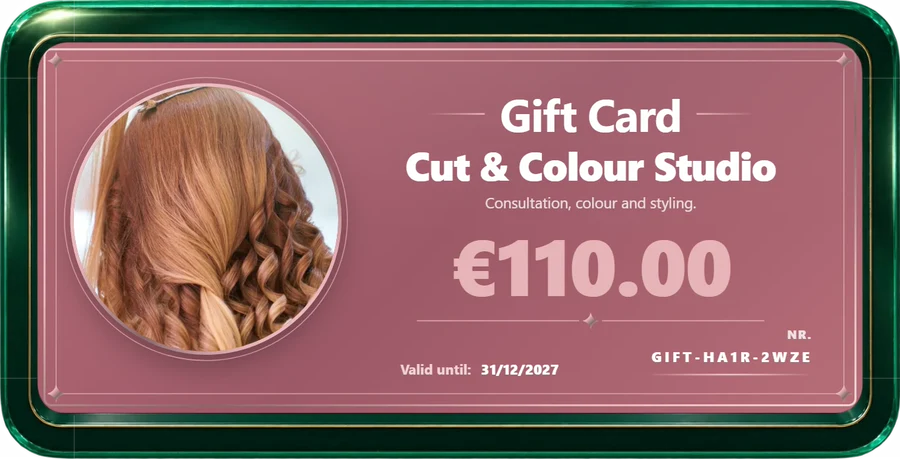
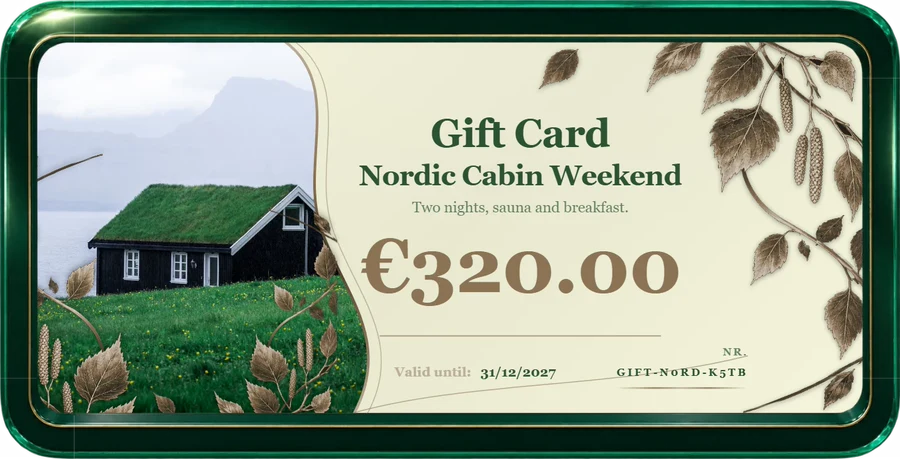
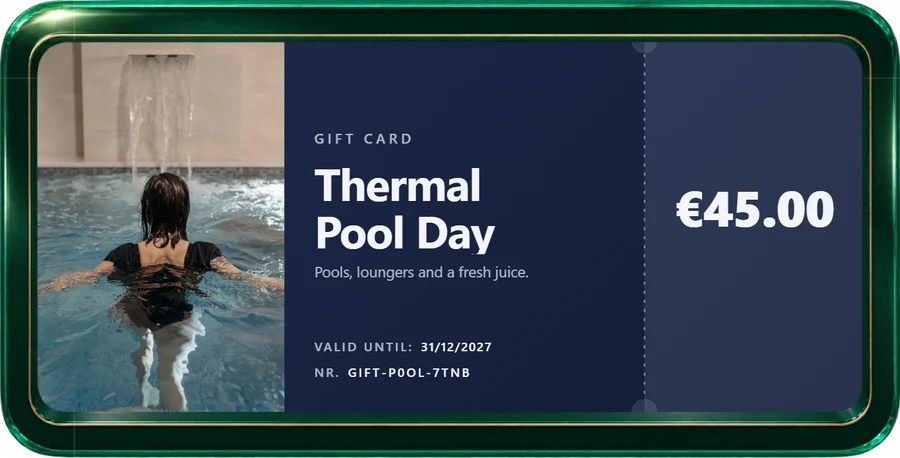
- Check the card: its value, what has already been used and the valid-until date.
- Type the amount the guest is spending and confirm.
The balance updates instantly. It works the same on a phone or tablet at reception as on a desktop.
Partial redemption and balances
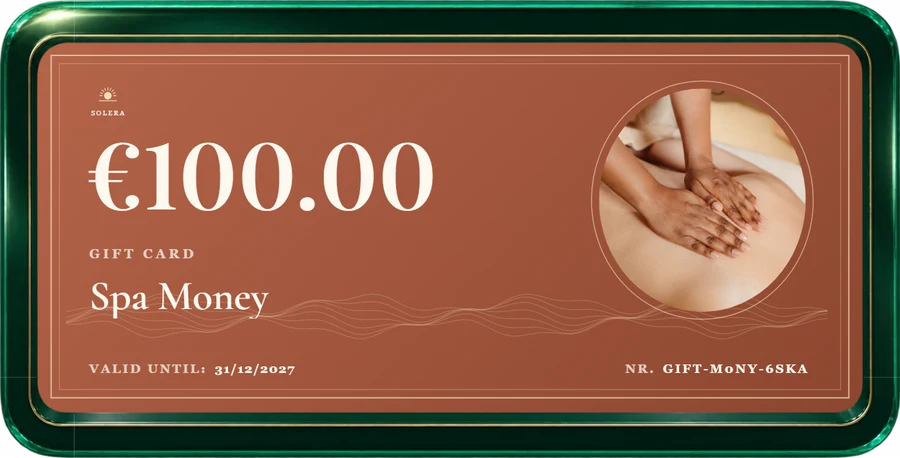
A visit rarely costs exactly what the gift card is worth. With partial redemption you redeem only what the guest spends, and the rest stays on the card. A €100 card used for a €65 treatment keeps €35 for next time, and the next visit starts from that balance.
This is where paper vouchers and spreadsheets fail: someone has to write the new balance down, every time, correctly. Gift card software does it for you and keeps the full history of each card.
Experience gift cards
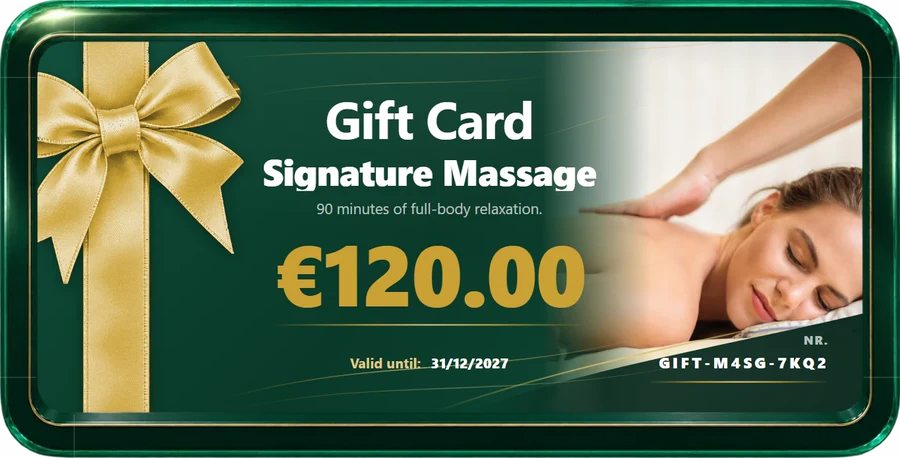
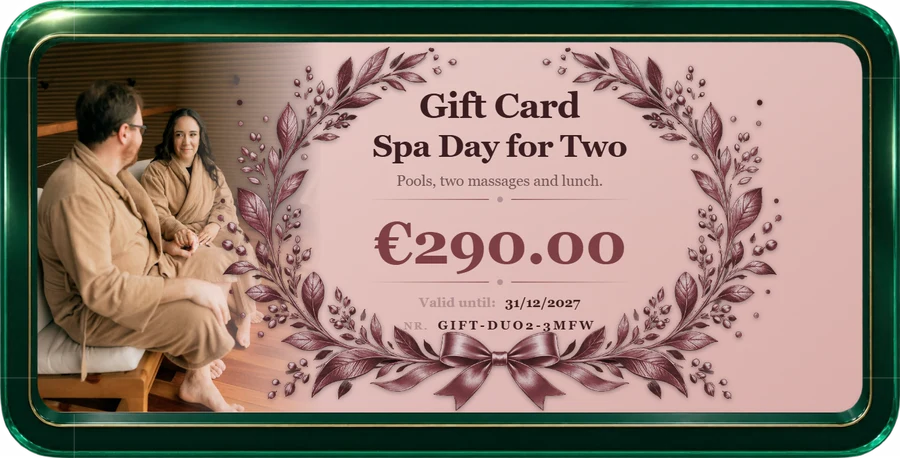
An experience gift card, such as a couples massage, names the service rather than an amount. Redeem it when the guest comes for that experience. If the guest chooses something else, redeem the matching amount instead, and any remaining value stays on the card.
Mistakes, receipts and history
- Undo a redemption and the amount goes back on the card.
- Print a receipt for the customer.
- See every redemption of a card, with the date and the amount.
Redeeming gift cards online and in booking systems
If guests book online, they should be able to use their gift card there too. There are three ways to do that with GiftcardLayers:
- A field on your website: paste a small code and customers enter their gift card there. You set the rules, such as a limit per use.
- A balance page: a ready page with its own link and QR code where customers check what is left on their card.
- The API and webhooks: a booking system can check a card, hold an amount, take it when the booking is confirmed and give it back if it is cancelled.
Lost gift cards and expiry dates
If a customer loses the gift card email, look the order up in your dashboard by the buyer's name or email, find the code and help them on the spot. Every order is saved with the buyer's name, email and code.
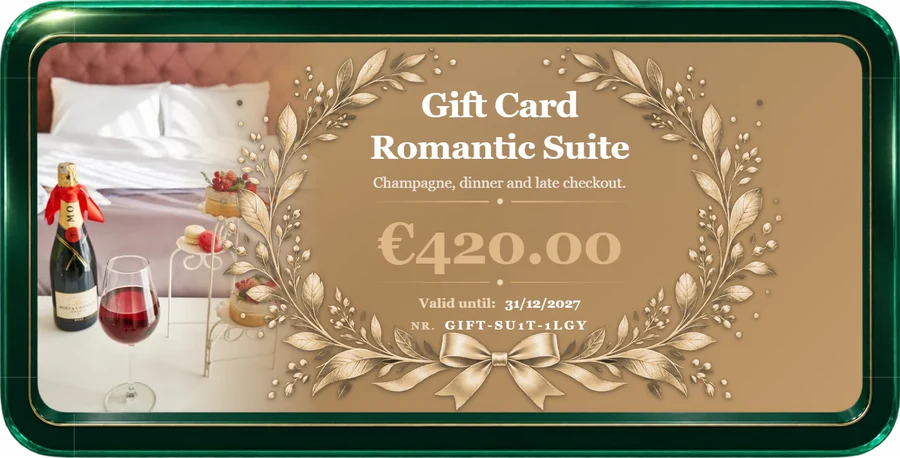
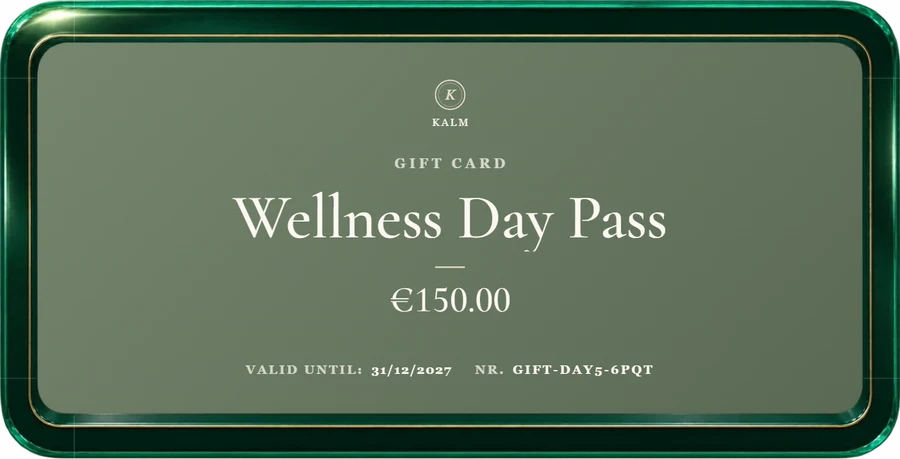
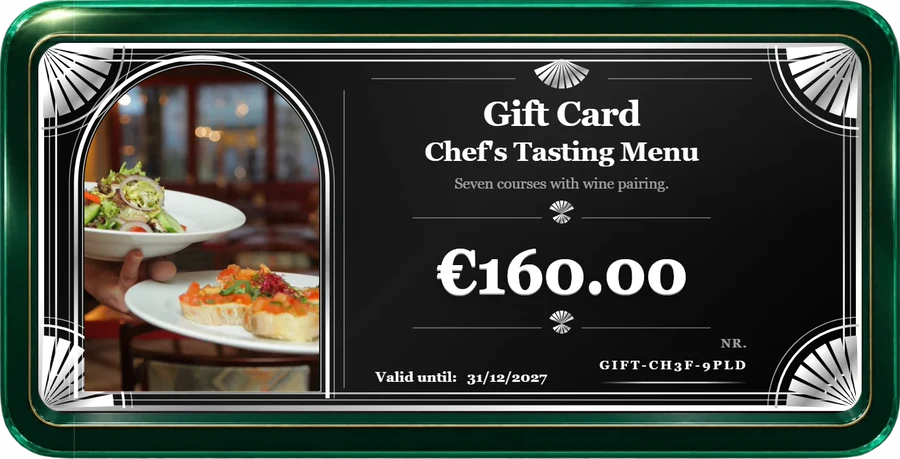
Choose whether each gift card is valid for 6, 12 or 24 months, or has no expiry. The valid-until date is printed on the gift card and PDF, so there are no surprises for you or your customer. Check the minimum validity rules where you operate.
Keep track of what is outstanding
Your dashboard shows every order, customer and sent email, what is still outstanding and which cards expire in the next 30 days. Redemptions and orders can be exported as CSV for your accountant.
Last updated: